Storage is one of those specs people skim past when they pick a hosting plan. RAM and CPU get all the attention, and the disk gets a quick glance at best. But the type of drive your server sits on can change how it feels day to day, especially for game servers and anything that talks to a database a lot.
So let's walk through what NVMe actually is, where it helps, and where it honestly won't. By the end you'll know what to ask a host before you hand over any money.
The three kinds of storage, in plain terms
There are really three you'll run into. They all store your files. The difference is how fast they hand those files back when something asks for them.
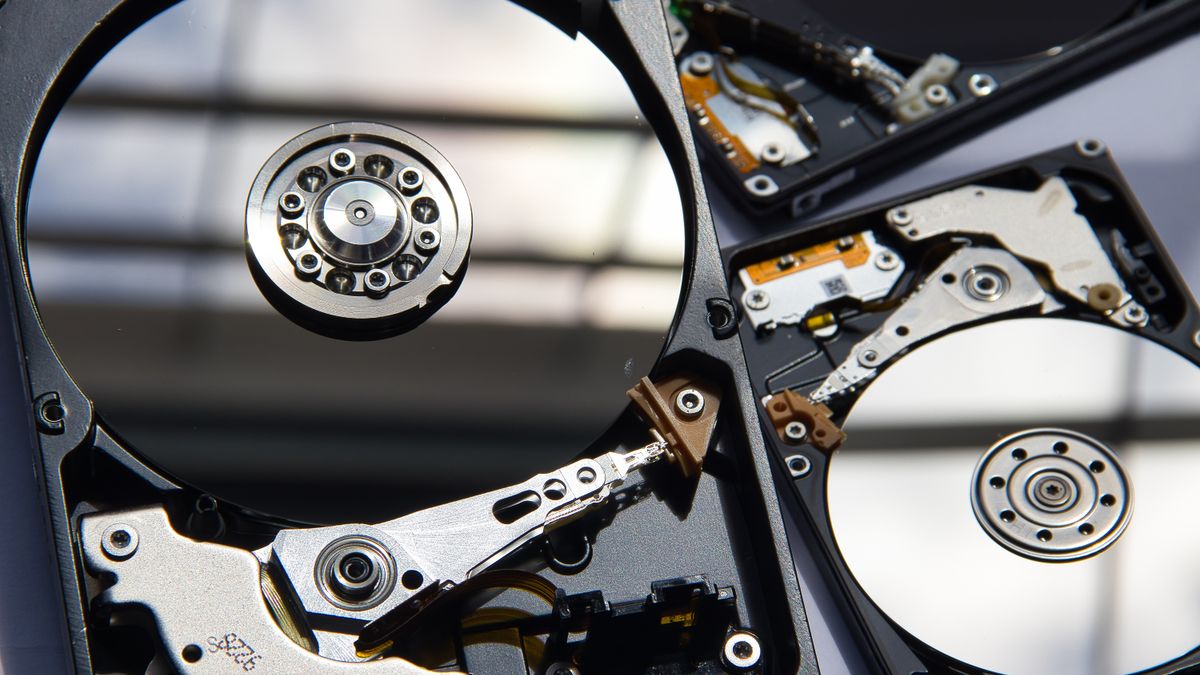
A HDD is a spinning hard drive. There's a physical disk inside and a little arm that moves to read data, a bit like a record player. It's cheap and it holds a lot, but moving that arm takes time. If your server needs a thousand small files from random spots on the disk, that arm is bouncing around and you wait.
A SATA SSD has no moving parts. It's flash memory, so reads and writes are electronic instead of mechanical. Much faster than a spinning drive. The catch is the connection. SATA was designed years ago for hard drives, and it becomes the bottleneck once the flash chips themselves are quick.
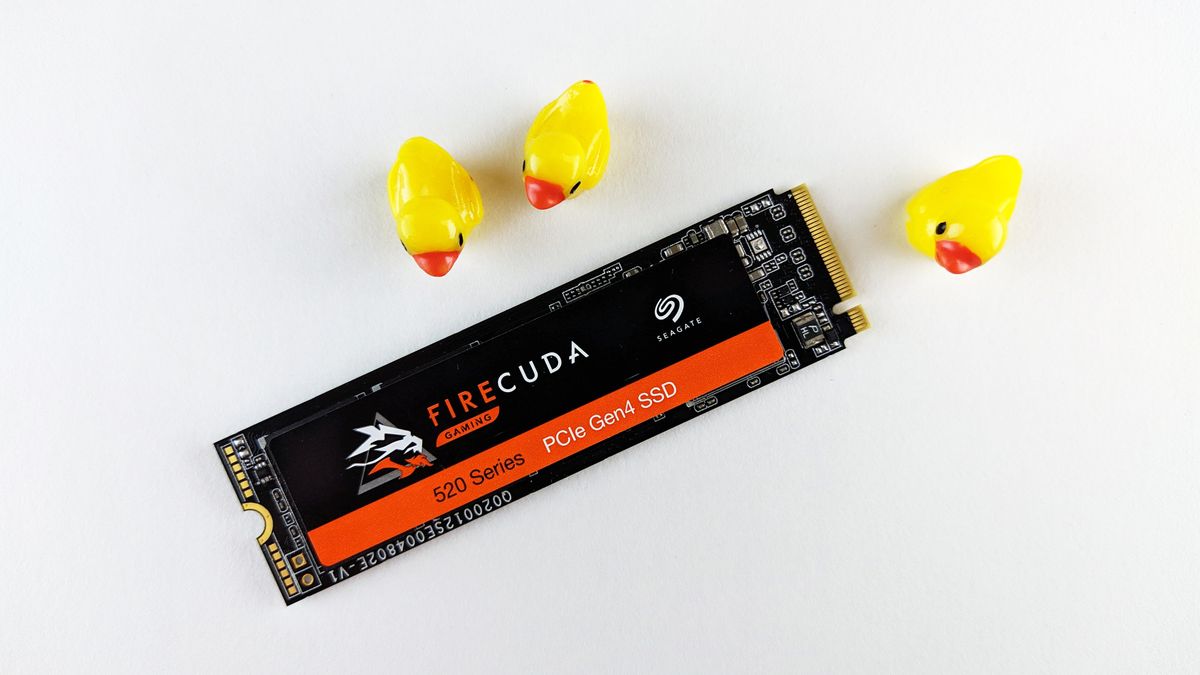
An NVMe SSD is also flash, but it plugs straight into the PCIe lanes on the motherboard instead of going through the old SATA pipe. That gives it a wider road and a protocol built for flash from the start. In practice it can handle far more requests at once and answer each one quicker.
Here's a rough way to picture the gap. If a spinning drive is someone walking to a filing cabinet, a SATA SSD is the same person on a bike, and NVMe is them already standing at the cabinet with both hands free.
Why IOPS and latency beat the big headline numbers
When you read storage specs, you'll often see a giant sequential speed quoted, something like 3,500 MB per second. That number is real, but it measures one specific thing: reading or writing one big file in a long unbroken stream. Copying a single huge video, say.
That's not what servers usually do. A game server or a busy bot spends its time pulling and saving tons of small pieces all over the disk at once. The numbers that matter there are IOPS (how many separate read or write operations the drive can do per second) and latency (how long each tiny request takes to come back).
NVMe pulls ahead hardest exactly here. A spinning drive might manage a couple hundred random operations a second. A good NVMe drive does that in the hundreds of thousands. And the latency on each one drops from milliseconds to microseconds. When fifty things are all asking the disk for something in the same instant, that difference stacks up fast.
Honestly, this is the part most spec sheets bury. A drive can have a flashy sequential number and still feel sluggish under the messy, random load a real server throws at it.
Where you'll actually feel it
Theory is fine, but here's where faster storage shows up in real life.
World and chunk loading
On a Minecraft server, the world isn't one file. It's a pile of region files, and the server reads and writes chunks constantly as players move around and explore new ground. On a slow disk, a player sprinting into fresh terrain can cause stutters while chunks get pulled off the drive. NVMe smooths a lot of that out. Big modded packs and Rust maps, which lean even harder on disk, feel the benefit more.
Database heavy bots and sites
If you run a Discord bot in discord.py or discord.js that logs messages, tracks levels, or stores economy data, every command might mean several database hits. A WordPress site is the same story with each page load. Databases do a lot of small random reads and writes, which is the workload NVMe was made for. Queries come back quicker and the whole thing feels snappier.
Backups and restores
Backing up a big world or a full site means reading thousands of files and writing them somewhere. Restoring does it in reverse, often when you're already stressed because something broke. Faster storage cuts that window down. A restore that took twenty minutes on a tired old disk can finish in a fraction of that.
Anything with lots of small files
Plugin folders, mod packs, a WordPress install with its uploads, a Node project sitting on a mountain of files in node_modules. None of these are huge in total size, but they're made of countless tiny files. Operations like starting the server, updating plugins, or scanning the directory all get quicker when the disk can rip through small files without breaking a sweat.
Where faster storage won't save you
A quick warning so you don't go in expecting magic. NVMe is great, but it only fixes problems that are actually about the disk. Plenty of slowness has nothing to do with storage.
- CPU bound lag. If your server is chugging because of complex redstone, heavy entity counts, or a plugin doing too much math, a faster disk does nothing. That's a processor problem. Run
sparkon a Minecraft server and it'll usually point you at the real cause. - Not enough RAM. If you're short on memory and the system is constantly juggling, NVMe helps the swapping go faster but it doesn't fix the root issue. You need more RAM, not a quicker disk.
- Network and ping. The distance between you and the server, your home wifi, the route the traffic takes. Storage has zero say in any of that. A player in another country will still have high ping no matter how fast the drive is.
- A badly written plugin or query. A plugin that scans the whole world every tick, or a database query with no index, will be slow on any hardware. Fix the code or the query first.
In our experience, people sometimes pay for the fastest storage hoping it'll cure lag that was never about the disk. Figure out what's actually slow before you spend. The drive is one piece of the puzzle, not the whole thing.
What to ask a host about storage
Marketing pages love to say "SSD storage" and leave it there. SSD covers both the slower SATA kind and NVMe, so that phrase alone doesn't tell you much. Here are the questions worth asking before you buy.
- Is it actually NVMe, or just SATA SSD? Ask plainly. A host running NVMe will happily say so because it's a selling point.
- Is the storage local or over a network? Some setups put your data on a separate storage box reached over the network, which adds latency even if the drives themselves are fast. Local NVMe on the same machine as your server is usually quicker for game workloads.
- Are there IOPS limits? A few hosts cap how many operations you get per second even on fast drives. Worth knowing if your workload is disk heavy.
- How do backups work and where do they live? Fast storage helps restores, but you still want copies kept somewhere other than the same machine.
For what it's worth, Bytte.cloud runs NVMe across its plans, so that first question is an easy yes. But the point stands whoever you go with. Ask, don't assume.
So is it worth caring about?
For most servers, yes, the disk type genuinely matters and NVMe is the one you want. Worlds load smoother, databases respond quicker, and backups stop feeling like a chore. Just keep your expectations honest. It speeds up anything the disk is involved in, and it can't touch the things it isn't. Sort out your CPU, RAM, and code first, get yourself on NVMe, and you've covered the part of performance that storage actually owns.